The Vault
Your team's competitive intelligence repository - battle cards, competitor profiles, and shared intel.
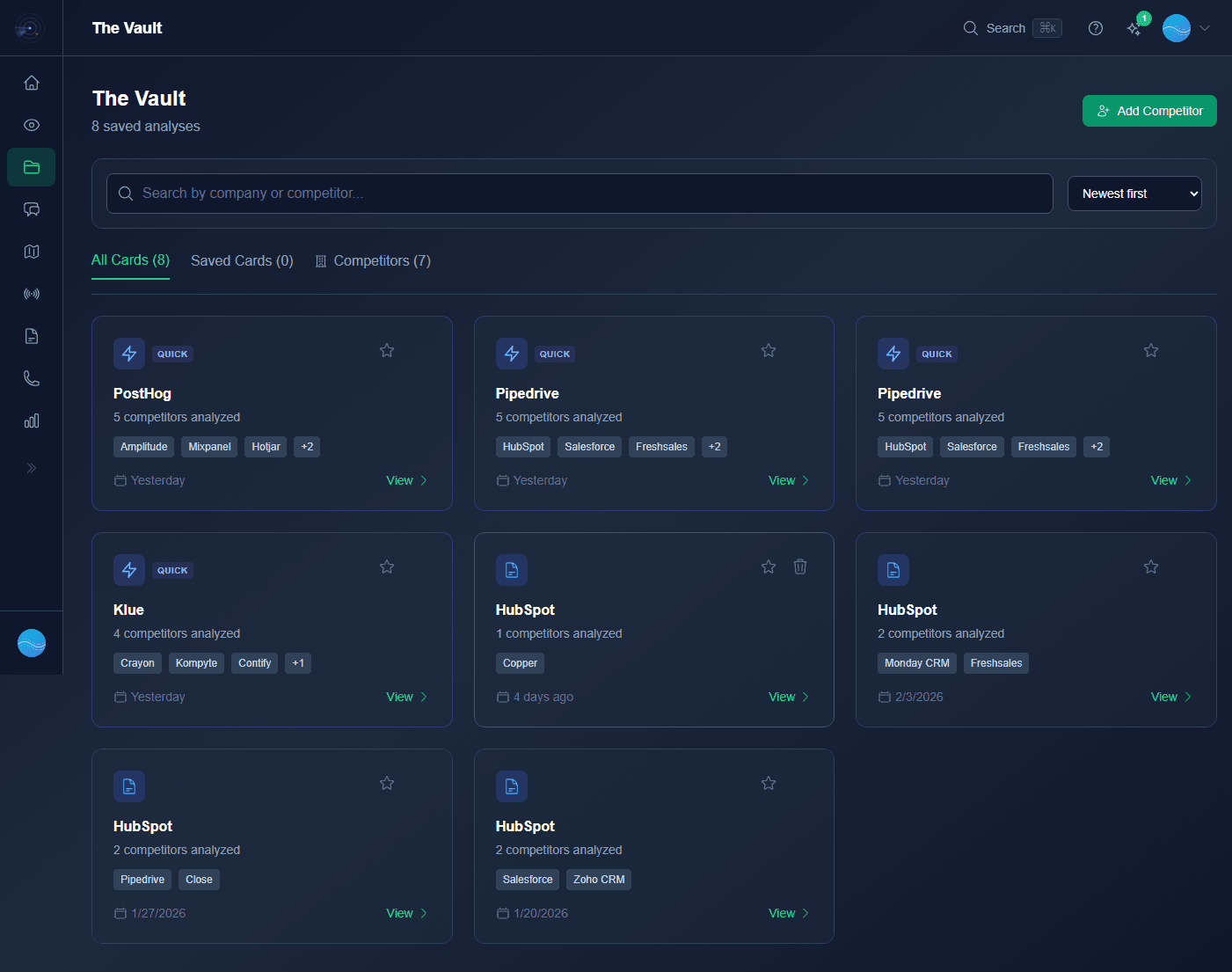
Three Tabs
The Vault has three tabs to organize your competitive intelligence:
- All Cards - Every battle card ever generated across your organization.
- Saved Cards - Cards you've starred or favorited for quick access.
- Competitors - Competitor profiles with all associated battle cards grouped together.
Auto-Save from Scout
Every Scout analysis automatically saves to The Vault. No manual saving required - your battle cards are always there when you need them.
Quick Analysis Badge
Analyses run from the Chrome Extension show a QUICK badge. These are lighter, faster analyses optimized for browser tabs. Use the Deep Dive button to upgrade any quick analysis to a full Scout.
Competitor Management
Track your key competitors with dedicated profiles. Add new competitors with the Add Competitor button. Each profile shows all battle cards, news mentions, and positioning data.
Search, Sort, Filter
- Search - Instant search across all cards by competitor name or content.
- Sort - By date created, last updated, or competitor.
- Filter - By quick vs full analysis, saved status, or competitor.
PDF Export
Export any battle card as a polished PDF with proper brand colors and layout. Perfect for sharing with stakeholders outside Rival Radar or including in deal reviews.
Team Sharing